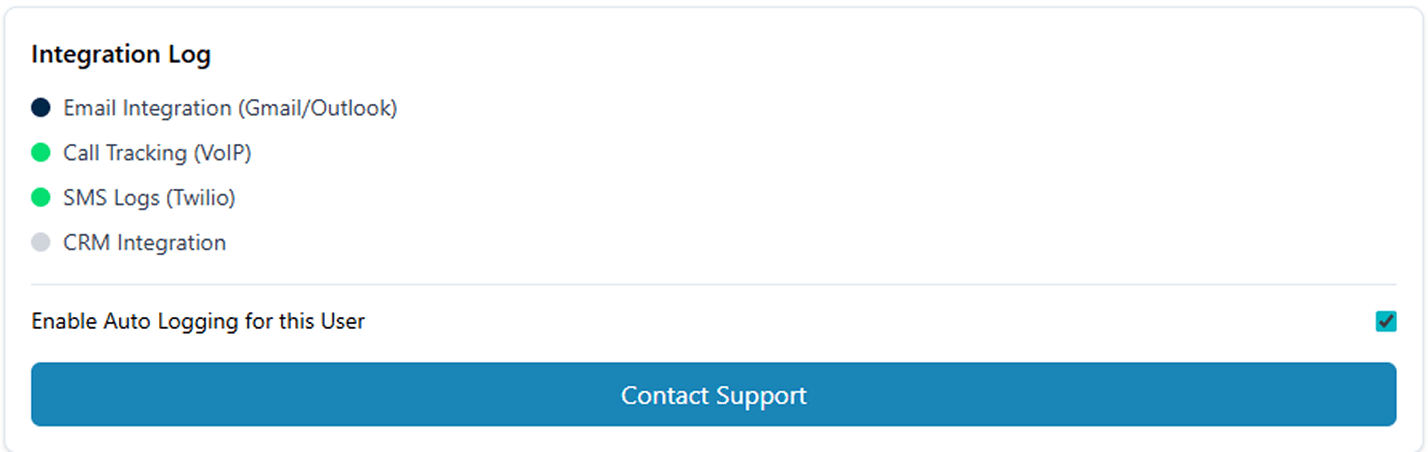
Customizable Roles That Keep Your CRM Secure

Role-Based Permission Controls

Allows organizations to control access across teams, franchisees, and administrators without relying on manual oversight.

User Roles & Access Levels

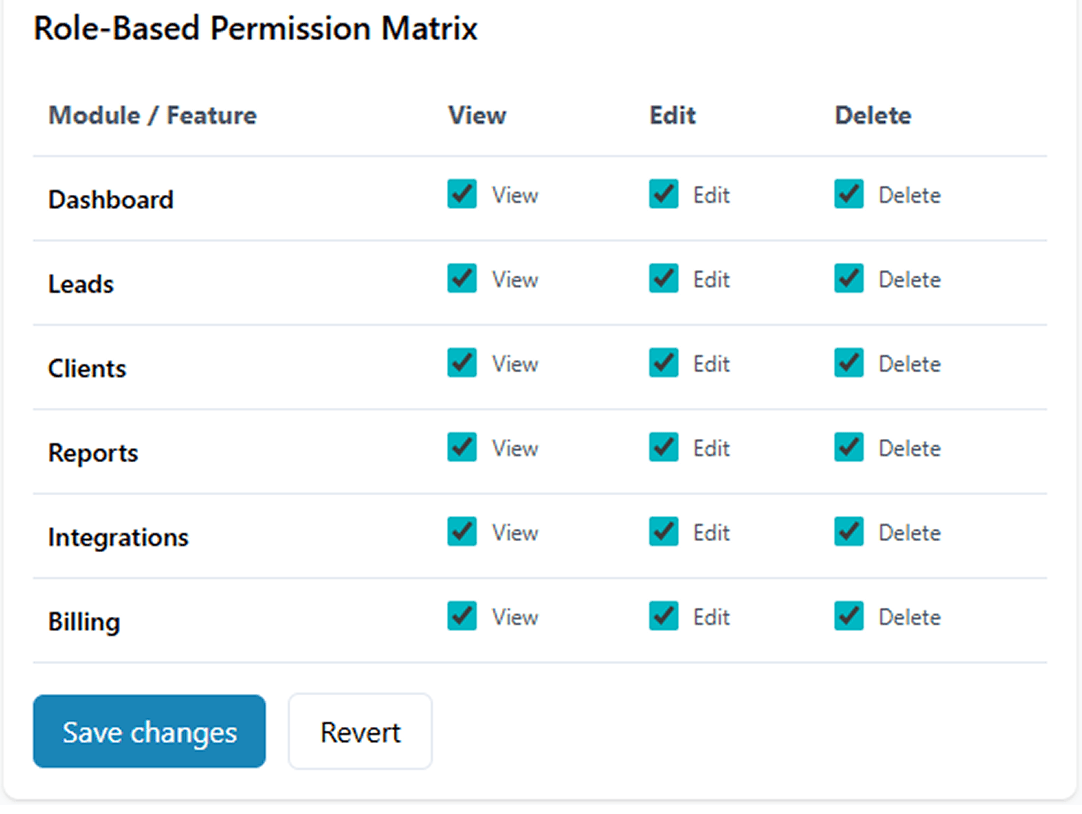
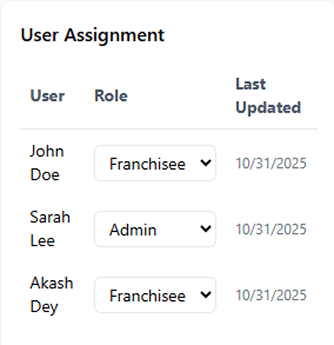
Each role defines specific permissions and access controls across the system. Manage who can view, edit, or assign data easily with flexible role-based permissions.

Admin Privileges

Administrators maintain centralized authority to create, modify, or remove user roles and configure security settings across all CRM modules ensuring consistent governance and system integrity.

Data Visibility Rules

Control data exposure with precision. Restrict access to sensitive leads, client records, financial data, or reports while maintaining operational transparency where required.

Activity & Action Permissions

Define exactly what actions each role can perform such as creating records, updating data, approving requests, or managing users ensuring accountability and minimizing risk.
FAQ: Everything You Want to Know

Role-Based Permission Controls define how users access and interact with CRM data based on their assigned role. This ensures consistent security, controlled access, and operational clarity across the franchise network.

Franchise organizations involve multiple user types with different responsibilities. Franchise permission management software ensures sensitive data remains secure while enabling each role to access only what they need to perform effectively.

Yes. Permissions can be customized by role, team, or franchise location, allowing flexible access while maintaining centralized control and governance.

Administrators with appropriate privileges can create, modify, or revoke roles and permissions, ensuring changes are controlled and auditable.

By enforcing controlled access and limiting actions by role, the system reduces unauthorized data exposure, strengthens accountability, and supports compliance with internal governance standards.