Document & File Vault
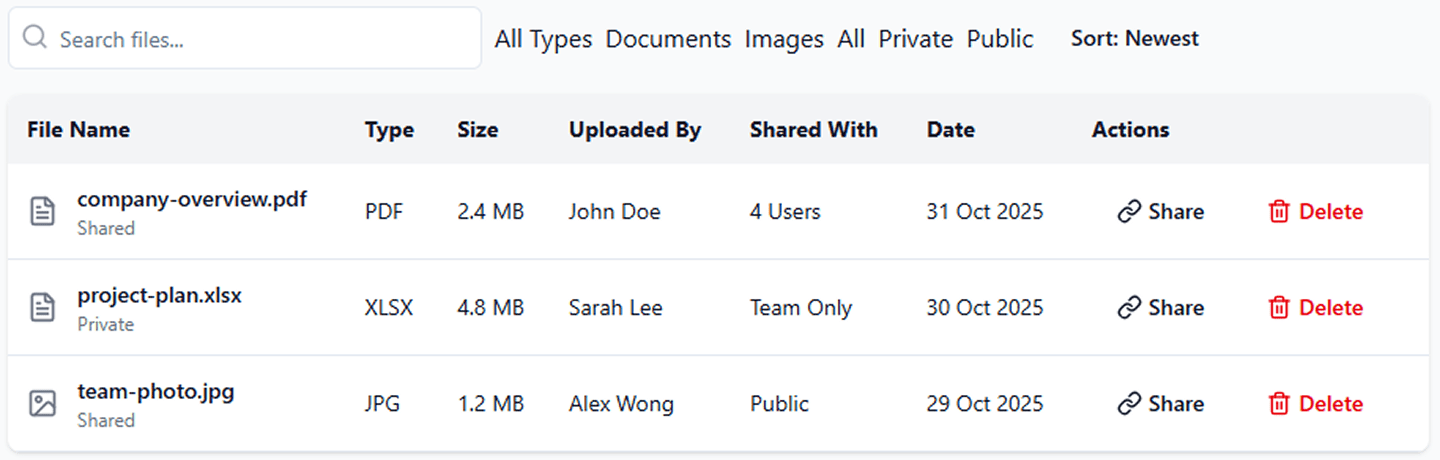
FranMantra’s Document & File Vault is an enterprise-grade franchise file sharing software designed to store, organize, and manage critical franchise documents directly within each lead’s profile.
From FDDs and agreements to brochures and media files, everything stays centralized, searchable, and accessible—anytime, anywhere.

File Upload Management
Upload and organize documents within a structured, secure repository. Files are indexed by lead, contact, or opportunity, enabling fast retrieval while eliminating document sprawl across external systems.

Document Access Control
Enforce strict access policies with role-based permission controls. Define who can view, edit, download, or manage each document, ensuring sensitive franchise materials remain protected at all times.

Controlled Collaborative Sharing
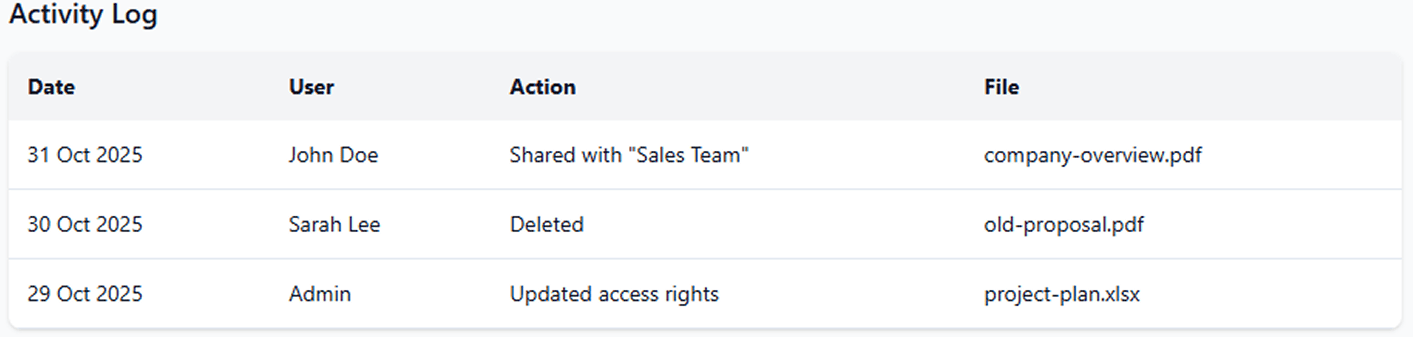
Enable collaboration across internal teams, franchise consultants, and authorized stakeholders while maintaining governance. All document access and updates are tracked to preserve version control and accountability.

Secure Storage & Data Protection
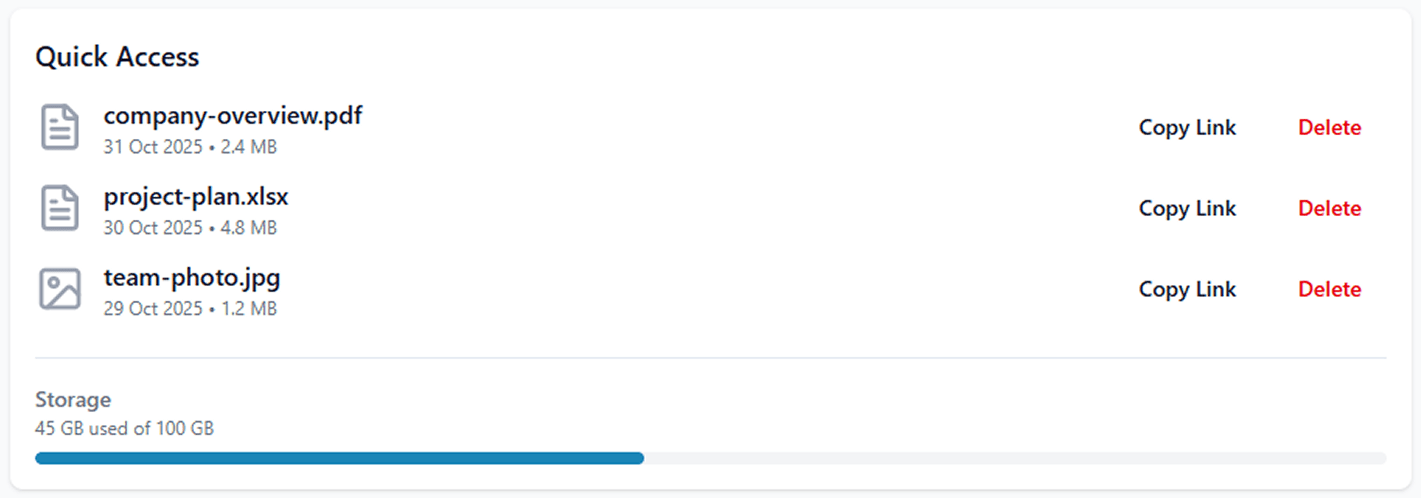
All documents are encrypted, securely stored, and automatically backed up. Built-in safeguards protect against unauthorized access, data loss, and compliance risk.